Stockouts that cost sales
Running out of stock at the worst possible time creates lost revenue, missed deliveries, and frustrated customers.
Empowered Enterprise Suite | Resources
Keep your assets together with real-time inventory tracking, stock level monitoring, stock transfers, receiving, balances, and inventory reports built for growing Philippine businesses.
EES Resources is an Inventory Management System Philippines teams can rely on and Inventory Management Software Philippines teams can use to control warehouse movement, avoid stockouts, reduce overstocking, and make decisions from accurate inventory data.
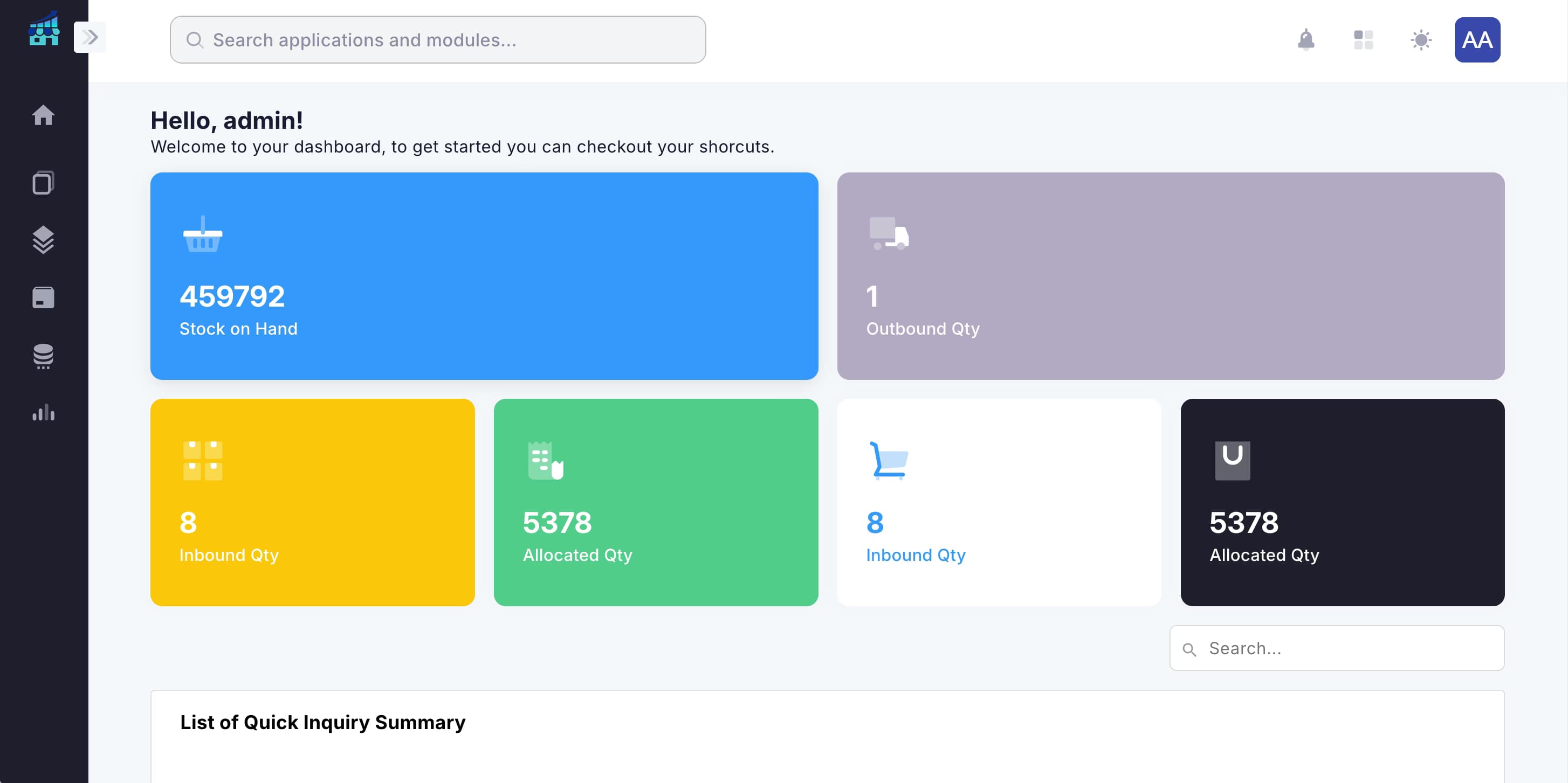
Why inventory visibility matters
Running out of stock at the worst possible time, or sitting on excess inventory that ties up cash flow, are problems every growing business eventually faces without the right system in place. Manual stock counts, disconnected spreadsheets, and guesswork restocking simply cannot keep up once operations scale.
With EES Resources, Decode Technologies gives businesses a centralized way to track stock, manage transfers, and generate reports built specifically for how inventory management software Philippines businesses actually need it to function.
Running out of stock at the worst possible time creates lost revenue, missed deliveries, and frustrated customers.
Excess inventory locks working capital into slow-moving items instead of letting the business invest where it matters.
Disconnected inventory records make stock level monitoring slow, error-prone, and difficult to trust as operations scale.
Without multi-location inventory management, teams spend too much time reconciling stock across branches and storage locations.
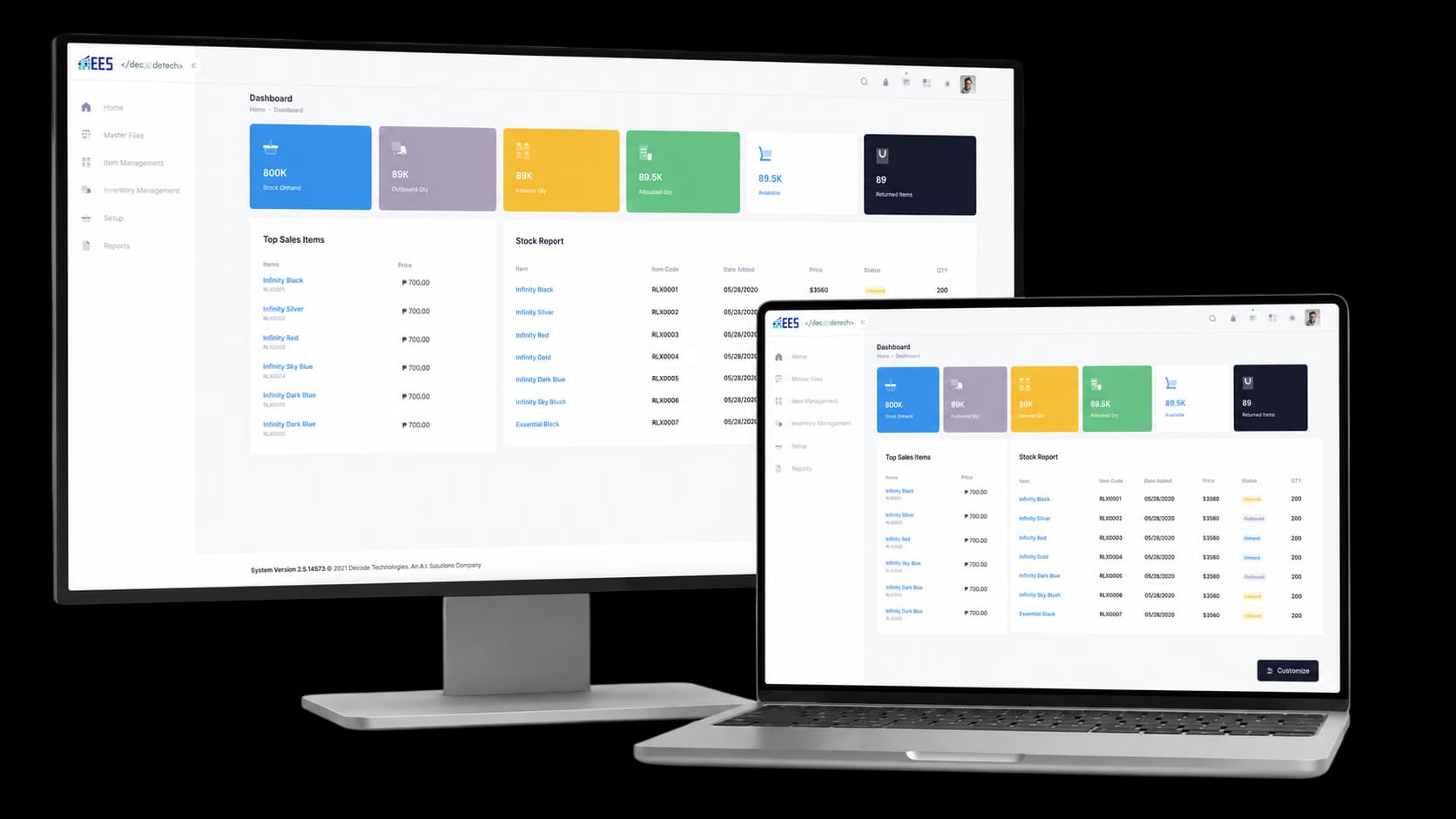
Built for Philippine SMEs
Not every business runs a dedicated warehousing department, and EES Resources does not require one. As an Inventory Management System for SMEs Philippines businesses can scale into, EES Resources is built to grow alongside your operations.
The platform works whether you are managing one storage location or coordinating multi-location inventory management across branches. Its inventory control software capabilities make it just as useful for lean operations teams as it is for larger logistics departments comparing cloud-based inventory system Philippines options.
EES Resources also supports broader supply chain inventory software needs by connecting inventory data with purchasing and sales activity, so stock levels always reflect what is actually happening across your business.
Inventory Management
Select the necessary details, such as item name, quantity, and desired delivery date, streamlining the inventory management process and facilitating efficient restocking.
Efficiently manage stock levels and ensure inventory is available where it is needed most, optimizing distribution and fulfillment processes.
Check received items against purchase orders or shipment details, inspect for damages or discrepancies, update inventory records, and store items in the right location.
Track available inventory after accounting for sales, purchases, returns, transfers, receiving, and stock adjustments.
AI in practice
Explore how integration, AI capabilities, and governance can support more connected operations while keeping people and business requirements in control.
01 / API integration
EES Resources can connect stock data with sales, purchasing, finance, POS, e-commerce, warehouse, and logistics systems to reduce the risk of isolated inventory information.
Integrations can keep stock, orders, receiving, transfers, and deliveries aligned across locations and channels where APIs and access are available.
How API integration works in EES Resources
Update stock levels after transactions to reduce overselling and reconciliation work.
Feed online orders from supported marketplaces or custom stores into inventory workflows.
Trigger requisitions at reorder points and align inventory movement with sales orders.
Connect scanners for stock counts, receiving, and transfers without manual encoding.
Match dispatched items with delivery tracking and inventory deductions.
02 / AI capabilities
EES Resources can help inventory managers move from reactive stock management to proactive control using demand, movement, and variance insights.
Forecasting and thresholds can be configured using client history, lead times, seasonality, and industry context, with a baseline for organizations starting without extensive data.
AI features in EES Resources
Analyze historical sales, seasonality, and movement patterns to predict stock requirements.
Calculate dynamic reorder points and trigger alerts or requisitions when thresholds are reached.
Flag items that have not moved within a configurable period for action.
Suggest storage locations based on movement frequency and dispatch patterns.
Highlight discrepancies between physical counts and system records above set thresholds.
03 / AI governance
EES Resources manages stock data that affects financial reporting, cost of goods sold, and supply-chain decisions, so recommendations must be traceable and data access controlled.
Governance can set access levels, variance thresholds, audit logs, and review processes for recommendations and data from connected systems.
Governance principles applied in EES Resources
Log receiving, transfers, adjustments, and write-offs with user, timestamp, and reference document.
Show sales history, lead time, and seasonal inputs behind reorder suggestions and forecasts.
Restrict stock costs and supplier pricing according to warehouse, purchasing, and finance roles.
Flag inventory adjustments over set limits for management review.
Log source systems and surface discrepancies rather than silently overwriting data.
Automate your workflow
Poor stock visibility does not just slow operations down, it costs sales. EES Resources gives teams accurate, up-to-date numbers at every stage, from inventory requests and receiving to transfers and balances.
Record stock movement between branches, warehouses, and storage locations so inventory balances remain accurate across the business.
Start implementation with clean beginning balances, item records, warehouse locations, and baseline stock counts.
Keep stock visibility current with inventory reports and analytics that show what is available, moving, reserved, or due for restocking.
D3 Deployment Plan
Choose the inventory workflows you need. We review item records, storage locations, receiving flows, transfer rules, beginning inventory, and reporting requirements.
Tell us your business flow. We configure EES Resources around your warehouse inventory system, stock transfer process, item categories, and approval steps.
Run your inventory with EES. Our team guides rollout, data setup, user orientation, and the operating rhythm your team will use every day.
Inquiry form
Share your stock locations, transfer process, receiving flow, reporting needs, and inventory control challenges so we can map the right EES Resources setup for your team.